How to Save TikTok Restaurants for Your Next Trip
TikTok favorites are not a map. Learn how to save TikTok restaurants to an actual map, organize them by destination, and have them ready when you travel.

You save that restaurant in TikTok favorites, forget about it, lose it forever. If you've ever planned a trip and tried to find that reel of the Roman trattoria or the ramen stall in Tokyo, you know exactly what we're talking about. Navia is an app that turns any TikTok link into a map pin: you paste the reel link, the app extracts the restaurant, and it automatically adds it to your travel map.
Why TikTok's Saved Folder Doesn't Work for Travelers
TikTok's save feature is great for keeping track of recipe videos, memes, or tutorials. But for trip planning, it's practically useless — and here's why:
- No geographic context. Your saves mix Bangkok restaurants, Paris cafés, Lisbon vintage shops, and that funny cat video. No way to filter by destination.
- No map view. You can't see which restaurants are close to each other. If you have 12 saves from Rome, you have no idea if they're in the same neighborhood or on opposite sides of the city.
- Videos disappear. If the creator deletes their video or account, you lose the information forever. No name, no address, nothing.
- No destination folders. "Rome June 2026" doesn't exist as a category in TikTok. Everything sits in one chaotic pile.
The result is always the same: you arrive at your destination, try to find that restaurant you saw three months ago, and either can't locate it or the video is gone.
How to Save TikTok Restaurants to a Map (Step by Step)
This is the workflow that changes everything. Instead of saving the video, you save the actual place directly to an interactive map.
- Find the restaurant reel on TikTok. It could be a video in your feed, one sent to you in a message, or one you found while searching.
- Copy the video link. On TikTok: tap the share button → "Copy link".
- Open Navia and paste the link. The app automatically analyzes the video using AI: it extracts the restaurant name, its location, and the content context.
- The restaurant appears on your map. Within seconds the place is geolocated with its name, address, Google Maps photos, and a reference back to the original video.
- Repeat for every restaurant you discover. Your map grows with every reel you save.
Navia turns any TikTok link into a map pin: paste the reel link, and the app extracts the restaurant and adds it to your travel map automatically.
Organizing Your TikTok Restaurants by Destination
Saving restaurants is just the first step. The second is organizing them so they're actually useful when you arrive. With Navia you can create collections for each trip:
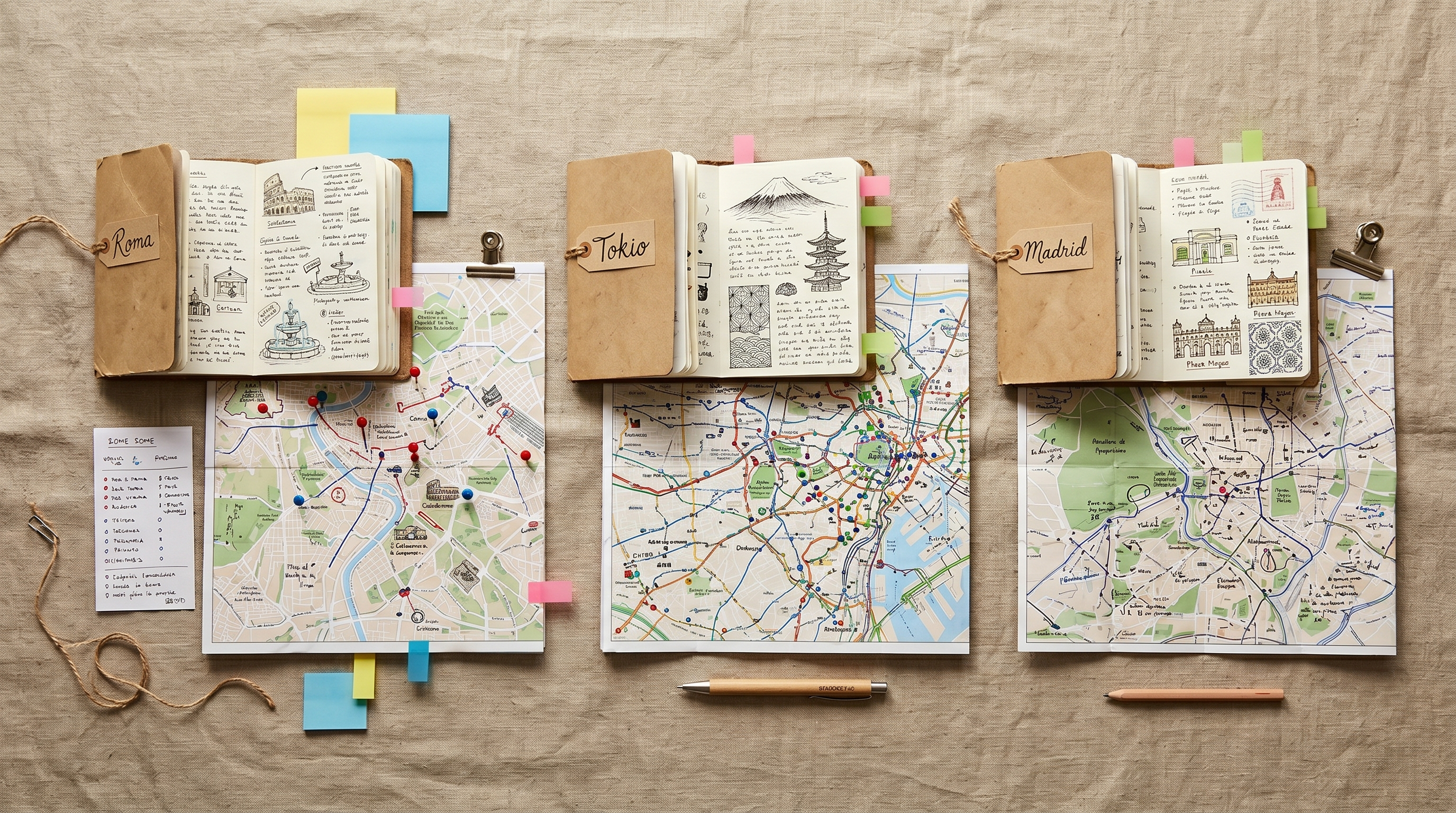
- "Rome June 2026" — with all the restaurants you saved from Rome reels
- "Tokyo someday" — for when that trip gets closer
- "Madrid favorites" — for local weekends
Each collection has its own map. So when you're planning a day in Rome, you open the collection and see exactly where each restaurant is: which ones are in Trastevere, which are near the Vatican, which ones are conveniently on your way to the Colosseum.
You can follow the same flow for saving Instagram places for travel — collections work the same for Instagram reels as they do for TikTok videos.
Before Your Trip: Check the Map
This is when all the upfront work pays off. The night before you leave, or during the flight, you open your Navia collection and you have:
- Every restaurant you saved over months, displayed on a clean map
- The geographic layout to assign one per day or per neighborhood
- Notes from the original video so you remember which dish was the star
- Direct link to Google Maps to check hours and make reservations
Instead of frantically searching through 800 TikTok favorites the night before your flight, you have a curated, organized map waiting for you. That's the real value: not just saving, but being able to use what you saved.
For a more complete pre-trip planning approach, our guide on how to use Instagram to plan your trip covers discovery to itinerary building across platforms. And if you want to turn your whole restaurant list into a day-by-day itinerary, the step-by-step guide to planning a trip has you covered.
Ready to plan your next trip?
Discover Navia and organize your trips easily and quickly. Save favorite places and share your plans with friends.

Try Navia for Free
Your TikTok favorites deserve a map. Try Navia at navia.place — free to start, no credit card required.
Frequently Asked Questions
Can I save TikTok restaurants without losing them?
Yes: copy the reel link and paste it into Navia. The app extracts the place and adds it to a map you can access whenever you want, even without an internet connection when you're traveling.
Do TikTok favorites have a map view?
No. TikTok saves videos but doesn't display places on a map or organize them by destination. You can only browse saves chronologically or in folders with no geographic information.
Does Navia work with any TikTok restaurant reel?
Yes, as long as the creator mentioned or tagged the location in the video or description. If the restaurant is named in the video, Navia can extract it and add it to your map.
Can I organize restaurants by city or destination?
Yes. Navia has a collections system: you can create a "Rome 2026" collection, a "Tokyo someday" collection, an "Asian restaurants" collection — and organize each saved restaurant into the right one.
What information does Navia extract from a TikTok video?
Navia extracts the restaurant name, geographic location, and content context. It then enriches that information with Google Maps data: exact address, photos, opening hours, and ratings.
Navia Team
Travel & Social Media Experts